 Dermatoscope and Magnifiers
 Diagnostic Kits
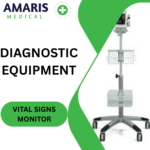 Vital Signs Monitors
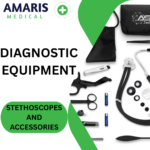 Stethoscopes and Accessories
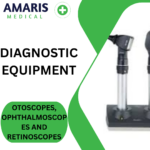 Otoscopes, Ophthalmoscopes, and Retinoscopes
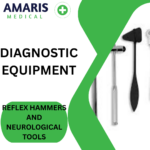 Reflex Hammers and Neurological Tools
 Scales and Measuring Devices
 Spirometers and Pulmonary Function Tests
 Electrosurgical Units and Accessories
 Cutting Instruments
 Grasping and Holding Instruments
 Hemostatic Instruments
 Specialized Surgical Sets
 Single-Use Procedure Trays and Packs
 Surgical Drapes, Gowns, and Covers
 Tissue Unifying Instruments
 Radiation Protection
 X-Ray Machines and Accessories
 Ultrasound Systems and Probes
 MRI and CT Scanners
 Radiology Consumables
 Bone Densitometers
 Fluoroscopy Equipment
 Imaging Tables and Positioning Aids
 Microscopes and Accessories
 Centrifuges and Separators
 Analyzers
 Incubators and Ovens
 Pipettes, Dispensers, and Lab Glassware
 Refrigerators, Freezers, and Storage Units
 Lab Consumables
 Sterilizers and Autoclaves for Lab Use
 Multi-Parameter Monitors
 Ventilators and Respiratory Support Devices
 Defibrillators and AEDs
 Infusion Pumps and IV Systems
 Patient Warmers and Cooling Devices
 Central Monitoring Stations
 Accessories
 Anesthesia Machines and Workstations
 Oxygen Concentrators and Delivery Systems
 Nebulizers and Inhalers
 CPAP/BiPAP Machines
 Airway Management
 Anesthesia Masks, Circuits, and Bags
 Humidifiers and Heaters
 Respiratory Therapy Accessories
 First Aid Kits and Cabinets
 Emergency Resuscitation Equipment
 Trauma Supplies
 Emergency Carts and Crash Carts
 Burn Care Products
 Bleeding Control
 Automated External Defibrillators (AEDs)
 Transport and Evacuation
 Wheelchairs and Accessories
 Walkers, Crutches, and Canes
 Prosthetics and Orthotics
 Physical Therapy Equipment
 Transfer Devices
 Bathroom Safety
 Orthopedic Traction and Tables
 Hot/Cold Therapy Packs and Units
 Beds and Mattresses
 Chairs and Stools
 Tables
 Cabinets and Storage
 Privacy Screens & Curtains
 Stands and Racks
 Linens and Textiles
 Lighting
 Autoclaves and Sterilizers
 Ultrasonic Cleaners
 Disinfectant Solutions and Wipes
 Sterilization Pouches, Wraps, and Indicators
 Instrument Trays and Containers
 UV and Ozone Disinfection Devices
 Washer Disinfectors
 Wound Care
 Gloves
 Masks and Respirators
 Catheters and Tubing
 Swabs, Applicators, and Sponges
 Incontinence Products
 Personal Protective Equipment (PPE)
 Dental Chairs and Units
 Handpieces and Burs
 Instruments
 Consumables
 Sterilization for Dental Use
 Orthodontic Supplies
 Endodontic Tools
 Slit Lamps and Tonometers
 Lensometers and Phoropters
 Ophthalmic Surgical Instruments
 Eyewear Frames and Lenses
 Contact Lens Supplies
 Vision Testing Charts and Devices
 Eye Care Consumables
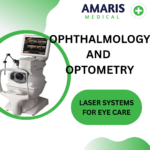 Laser Systems for Eye Care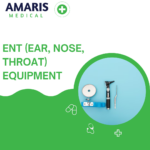
 ENT Exam Chairs and Tables
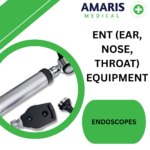 Endoscopes
 Audiometers and Hearing Tests
 ENT Instruments
 Nasal and Throat Packs
 Hearing Aids and Accessories
 Otology Supplies
 Fetal Dopplers and Monitors
 Delivery Beds and Tables
 Gynecological Instruments
 Neonatal Incubators and Warmers
 Breast Pumps and Accessories
 Contraceptive Devices
 Maternity Supports and Pads
 Neonatal Consumables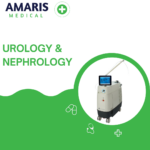
 Cystoscopes and Urethroscopes
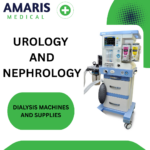 Dialysis Machines and Supplies
 Urological Catheters and Bags
 Lithotripters
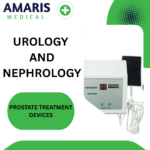 Prostate Treatment Devices
 Urinary Incontinence Products
 Kidney Stone Management Tools
 Consumables & Disposables
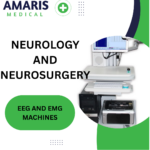 EEG and EMG Machines
 Neurosurgical Instruments
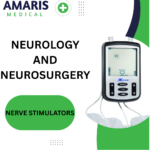 Nerve Stimulators
 Headrests and Positioning Aids
 Lumbar Puncture Kits
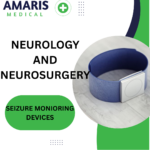 Seizure Monitoring Devices
 Consumables
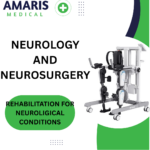 Rehabilitation for Neurological Conditions
 ECG Machines and Accessories
 Holter Monitors
 Stress Test Systems
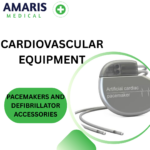 Pacemakers and Defibrillator Accessories
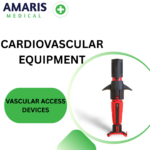 Vascular Access Devices
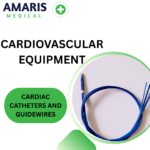 Cardiac Catheters and Guidewires
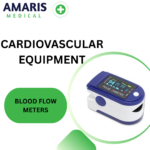 Blood Flow Meters
 Consumables
 Orthopedic Instruments
 Casts, Splints, and Padding
 Joint Replacement Supplies
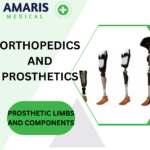 Prosthetic Limbs and Components
 Bone Grafts and Substitutes
 Traction Devices
 Orthopedic Braces and Supports
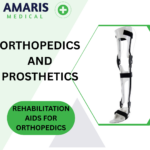 Rehabilitation Aids for Orthopedics
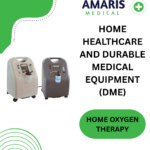 Home Oxygen Therapy
 Hospital Beds for Home Use
 Mobility Aids
 Bathroom and Daily Living Aids
 Wound Care for Home
 Monitoring Devices
 Enteral Feeding Pumps and Tubes
 Hand Sanitizers and Dispensers
 Face Shields and Goggles
 Isolation Gowns and Suits
 Biohazard Waste Containers
 Air Purifiers and HEPA Filters
 Surface Disinfectants
 Sharps Containers
 Protective Barriers
 Cardiovascular & Endurance Training
 Strength Training & Weightlifting
 Functional Training & Core Conditioning
 Physical Therapy & Rehabilitation
 Sports & Outdoor Recreation
 Gym Flooring & Facility Equipment
 Fitness Monitoring & Accessories
 Kids & Novelties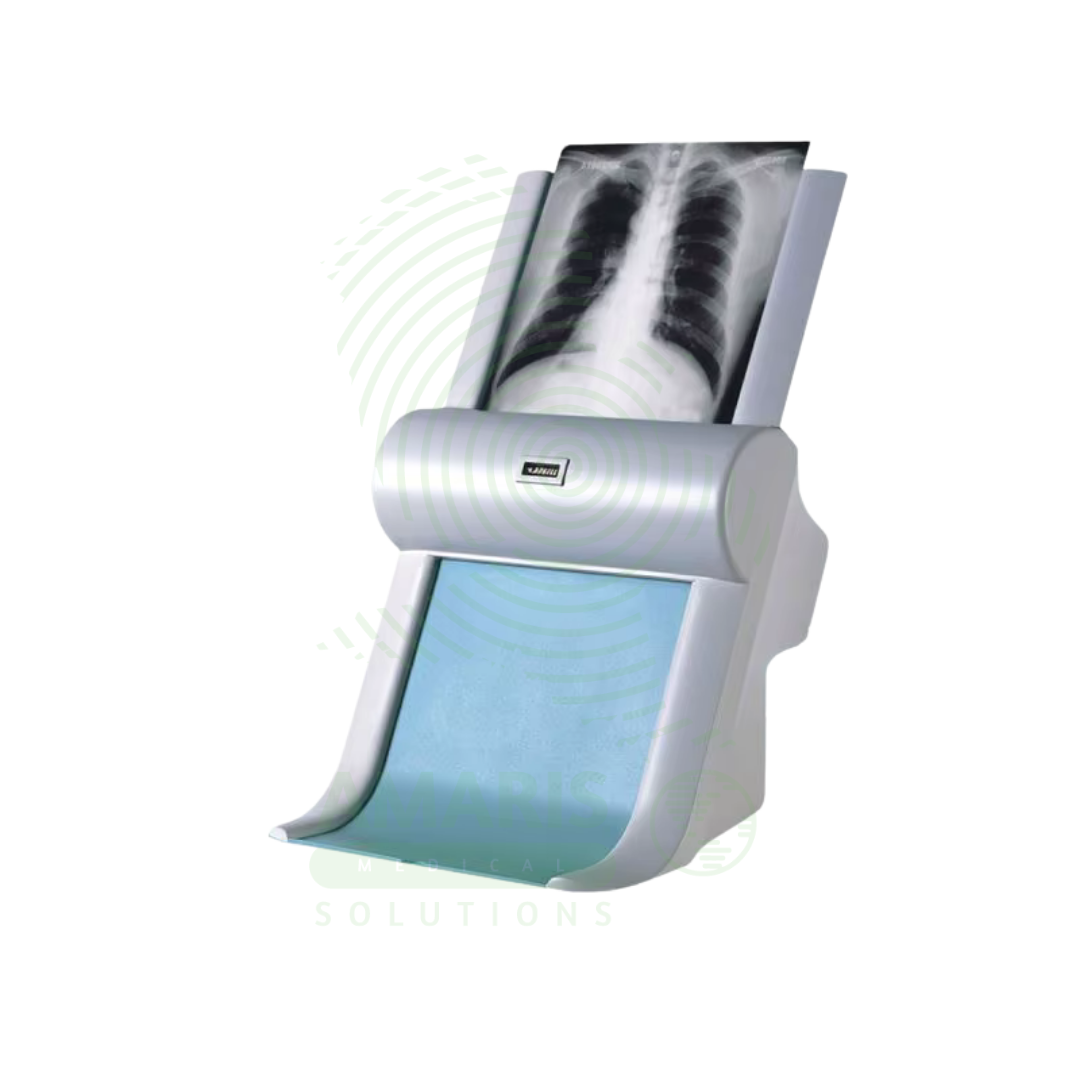
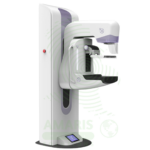

Film Digitizer
WhatsApp Order
A Film Digitizer is a specialized scanner that converts analog radiographic films into high-fidelity digital images (DICOM format). It is the essential tool for migrating historical film archives into a modern digital PACS, enabling filmless workflow, remote access, and long-term preservation of diagnostic records. Its critical performance characteristics are a wide optical density range (to capture all film details) and high spatial resolution. By creating secure, accessible digital copies, it protects against the loss of physical films and integrates past patient history with current digital imaging, supporting comprehensive care and efficient radiology practice.
Description
Film Digitizer
PRIMARY CLINICAL & DIAGNOSTIC USES
1. Conversion of Analog Films to Digital Images
-
Primary Use: Converts existing analog radiographic films into high-quality digital image files, a process essential for integrating historical patient film archives into a modern Picture Archiving and Communication System.
-
How it helps: For the radiologist and imaging department director, the film digitizer bridges the gap between past and present—transforming decades of physical film archives into digital files that can be accessed, stored, and managed alongside modern imaging studies. For the patient with a history of previous imaging, digitization means their old films are not lost in a file room but are available for comparison with current studies, ensuring continuity of care and preventing unnecessary repeat examinations.
2. Creating a Filmless, Digital Archive
-
Primary Use: Enables the retirement of physical film libraries, saving physical space, reducing film storage costs, and eliminating the risk of film loss, degradation, or misplacement while creating a permanent, accessible digital record.
-
How it helps: For the hospital administrator and health information manager, digitization transforms costly, space-consuming film archives into efficient digital storage—freeing up valuable real estate, eliminating the expense of film storage and retrieval, and ensuring that imaging records are preserved indefinitely without degradation. For the clinician needing to access a patient’s historical imaging, a digital archive means the images are available instantly at any workstation, rather than requiring a trip to the file room and a search through physical films.
3. Facilitating Teleradiology and Remote Consultation
-
Primary Use: Once digitized, historical films can be instantly transmitted electronically to specialists for second opinions or to remote locations, enabling telemedicine and collaborative diagnosis without shipping physical films.
-
How it helps: For the referring physician seeking expert consultation and the specialist providing remote interpretation, digitized films can be shared instantly across any distance—allowing for collaborative diagnosis without the delays and risks of shipping physical films. For the patient in a rural or underserved area, digitization means their historical imaging can be reviewed by specialists anywhere in the world, bringing expert opinion to their local provider.
4. Image Enhancement and Analysis
-
Primary Use: Digital images can be processed using software to adjust contrast, brightness, and magnification, and can be analyzed with tools like Computer-Aided Detection, which is not possible with physical film.
-
How it helps: For the radiologist interpreting digitized studies, image processing software brings old films into the modern era—allowing adjustment of window and level to optimize visualization, magnification of suspicious areas, and application of computer-aided detection tools that may reveal findings missed on the original interpretation. For the patient, this enhanced analysis means that historical imaging can be re-evaluated with modern tools, potentially revealing findings that were invisible when the original film was interpreted.
5. Teaching and Publication
-
Primary Use: High-quality digital scans of classic or interesting film-based cases are easily incorporated into digital teaching files, presentations, and publications.
-
How it helps: For the medical educator and resident trainee, digitization preserves the teaching value of classic cases—allowing interesting findings from the film era to be incorporated into digital teaching files, shared in presentations, and published in journals. For the next generation of radiologists, access to digitized historical cases provides a richer educational experience, demonstrating the full spectrum of disease presentation across decades of imaging.
SECONDARY & SUPPORTIVE USES
1. Disaster Recovery and Backup: Protects valuable diagnostic information by creating digital backups of irreplaceable film archives, safeguarding against loss from fires, floods, or other disasters. For the institution that has invested decades in building a film archive, digitization ensures that this irreplaceable resource is preserved for future patients and research.
2. Legal and Insurance Documentation: Provides easily reproducible and transmissible digital evidence for medical-legal cases and insurance claims. For the patient involved in litigation or seeking disability determination, having their historical imaging available in digital format ensures that evidence can be shared efficiently with all parties.
3. Quality Control and Dose Audit: Allows for retrospective analysis of historical imaging techniques and patient doses when films are digitized with proper calibration. For the medical physicist and quality improvement team, digitized archives enable research into historical practice patterns and radiation safety.
4. Digitizing Other Film Types: Can be used to digitize other types of analog medical imaging films, such as mammography, ultrasound, or nuclear medicine films, if the scanner is calibrated appropriately. For the comprehensive imaging department, a single digitizer can preserve all types of historical imaging studies.
5. Non-Medical Archiving: Used in other fields to digitize photographic negatives, slides, or large-format documents. For the institution with diverse archiving needs, a medical film digitizer can serve multiple purposes across the organization.
KEY PRODUCT FEATURES
1. BASIC IDENTIFICATION ATTRIBUTES
-
Type: A scanner specifically designed to digitize transparent films (radiographs).
-
Designation: Medical Film Scanner, Radiography Digitizer, or DICOM Digitizer.
-
Common Variants:
-
Laser Film Digitizer: Uses a high-precision laser as a light source to scan the film. Offers very high resolution and dynamic range, considered the gold standard for quality. Often slower and more expensive.
-
CCD Film Digitizer: Uses a bright light source and a Charge-Coupled Device (CCD) sensor array to capture the image. Generally faster and more cost-effective, with quality suitable for most diagnostic purposes.
-
Scanner Type: Sheet-fed (for individual cut films) or Roll-film (for long, continuous films from older CT cameras or angiography).
-
2. TECHNICAL & PERFORMANCE PROPERTIES
-
Spatial Resolution: Measured in pixels per inch (ppi) or dots per inch (dpi). Diagnostic quality requires high resolution (typically 150-300 dpi minimum, but high-end scanners go much higher) to capture fine details like trabecular bone patterns or microcalcifications.
-
Optical Density (OD) Range/Dynamic Range: The most critical specification. It measures the scanner's ability to distinguish between the very dark (high density) and very light (low density) areas on a film. Medical films have a wide density range (up to 4.0 OD or more). A scanner must have a high dynamic range (e.g., 3.8 - 4.2 OD) to capture all diagnostic information without losing detail in the light or dark areas.
-
Bit Depth: The number of grey levels the scanner can distinguish. 12-bit or higher (4096+ grey levels) is standard for medical digitization to preserve subtle contrast differences.
-
Scan Speed: Throughput is measured in films per hour. Important for large archive conversion projects.
-
DICOM Compliance: Must output images in the standard DICOM format, including patient demographic data (from barcode or manual entry), to be seamlessly ingested into a PACS.
3. PHYSICAL & OPERATIONAL PROPERTIES
-
Film Size Compatibility: Must accommodate standard film sizes (e.g., 8"x10", 14"x17", and sometimes long roll films).
-
Software: Bundled software handles scanner control, image processing, DICOM header creation, and direct sending to PACS or storage.
-
Calibration: Requires regular calibration to ensure density and spatial measurements are accurate, maintaining diagnostic fidelity.
4. SAFETY & COMPLIANCE ATTRIBUTES
-
Regulatory Status: Class I medical device (as a data conversion system).
-
Quality Assurance: Must have a QA program to ensure the digitized image is a faithful representation of the original film, preserving all diagnostic data.
-
HIPAA/Data Security: As it handles Protected Health Information (PHI), the workstation and data transfer must be secure.
5. STORAGE & HANDLING ATTRIBUTES
-
Environment: Standard office/clinical environment.
-
Cleaning: Keep the film transport path and glass platen clean and dust-free to prevent artifacts on scanned images.
-
Film Handling: The scanner mechanism must handle films gently to avoid scratching or damaging original archives.
6. LABORATORY & CLINICAL APPLICATIONS
-
Primary Application: A key tool for radiology departments, hospitals, and imaging centers undergoing film-to-digital transition or managing hybrid analog/digital archives.
-
Workflow Integration: Sits at the interface between the physical film library and the digital PACS, often operated by radiology archivists or IT staff.
SAFETY HANDLING PRECAUTIONS
1. SAFETY PRECAUTIONS
-
Film Integrity: The primary risk is damaging original, irreplaceable films. Ensure the scanner is clean and in good working order before feeding valuable films. Have a process for handling jammed films carefully.
-
Data Fidelity: The most significant "safety" issue is ensuring the digital copy is diagnostically equivalent to the original. This requires proper scanner calibration and trained operators who understand density and resolution settings.
-
Patient Data Accuracy: Incorrectly entering patient demographics (ID, name, study date) during the scanning process creates a mislabeled, potentially dangerous digital record. Use barcode readers or double-check manual entry.
2. FIRST AID MEASURES
-
Film Jam or Damage: Stop the scanner. Follow manufacturer instructions to carefully remove the film without tearing. If an original film is damaged, document the incident. The diagnostic information may be lost.
-
Data Loss/Corruption: Ensure a robust backup strategy for the newly created digital files. Loss of a digital archive is equivalent to losing the physical films.
3. FIRE FIGHTING MEASURES
-
Flammability: Contains electronic components and plastic housing.
-
Extinguishing Media: Use CO₂ or dry chemical extinguishers for electrical fires.
Related products
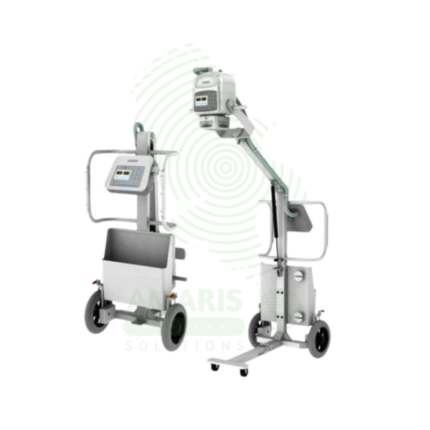
Analogue Mobile X-ray Machine
An Analogue Mobile X-ray Machine is a battery-powered, portable X-ray system using traditional film cassettes for bedside imaging in intensive care units, neonatal intensive care units, emergency departments, and operating rooms. The mobile unit enables chest, abdominal, and extremity imaging at the patient's bedside, eliminating the risks associated with transporting critically ill patients. Film cassettes are processed in darkroom facilities for image development. Used in hospitals without digital radiography, as backup for digital systems, and in resource-limited settings where digital infrastructure is not available.
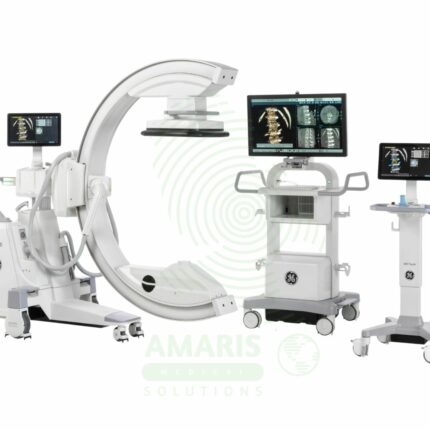
C-Arm Surgical System
A C-Arm Surgical System is a mobile fluoroscopic X-ray imaging device with a distinctive C-shaped arm connecting the X-ray tube and detector. It is an indispensable tool in modern operating rooms and interventional suites, providing real-time live imaging to guide complex procedures in orthopedics, spine surgery, pain management, and vascular interventions. Its mobility allows precise positioning around the patient, while features like pulsed fluoroscopy and dose monitoring are critical for radiation safety. Modern flat-panel systems offer high-resolution imaging and advanced capabilities like 3D Cone-Beam CT. Safe operation demands rigorous adherence to radiation protection protocols (ALARA) for both patients and the surgical team.
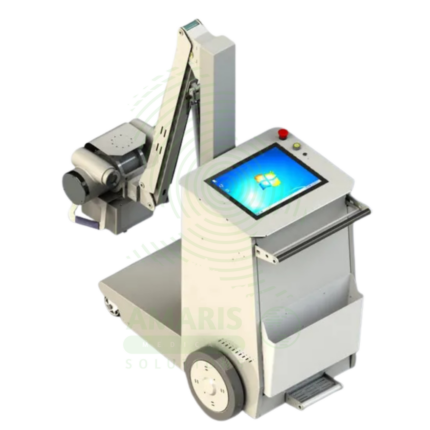
Digital & Analog X-ray Machine
A Digital & Analog X-ray Machine is a fundamental medical imaging device that uses a controlled beam of ionizing radiation to produce static or real-time images of the body's internal structures. It is indispensable for diagnosing fractures, lung diseases, dental issues, and many abdominal conditions. The transition from Analog (film-based) to Digital (CR or DR) technology has revolutionized the field, offering faster results, superior image manipulation, improved dose efficiency, and seamless integration into digital healthcare networks. Its operation demands strict adherence to radiation safety protocols (ALARA) to protect patients and staff, making it a cornerstone of safe, effective diagnostic medicine.
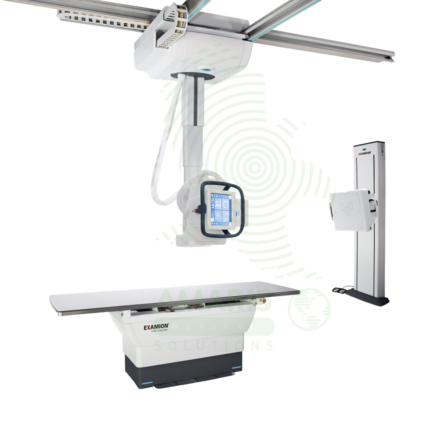
Digital Ceiling X-ray
A Digital Ceiling X-ray is a ceiling-mounted digital radiography system for general diagnostic imaging of the skeletal, chest, abdominal, and extremity anatomy. The ceiling-mounted tube assembly provides full room coverage for flexible patient positioning, while digital flat panel detectors produce immediate high-resolution images for rapid diagnosis. Integrated with PACS and RIS, it supports efficient digital workflow from image acquisition to interpretation. Used in radiology departments, emergency rooms, and outpatient imaging centers.
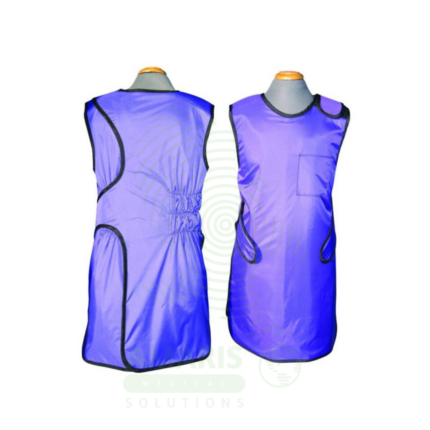
Lead Apron
A Lead Apron is a protective garment worn by healthcare workers to shield against scatter radiation during fluoroscopic procedures, X-ray examinations, and interventional radiology. Made of lead-impregnated material, it attenuates scatter radiation to the thyroid, chest, and reproductive organs, ensuring occupational radiation exposure remains within safe limits. Available in frontal, wrap-around, and two-piece designs with lead equivalence ranging from 0.25 mm to 0.5 mm, proper storage, annual inspection, and use of thyroid shields are essential for effective radiation protection.
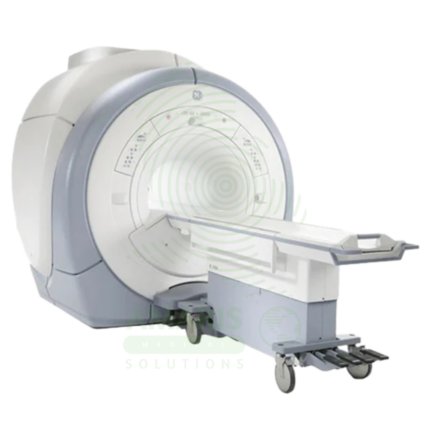
Magnetic Resonance Imaging
Magnetic Resonance Imaging (MRI) is a non-invasive diagnostic imaging modality that uses powerful magnetic fields and radiofrequency waves to produce detailed images of soft tissues, organs, and internal structures without ionizing radiation. It is the gold standard for imaging the brain, spinal cord, joints, muscles, and ligaments, and is essential for neurological, musculoskeletal, oncologic, and cardiovascular diagnosis. MRI provides exceptional soft tissue contrast, enabling precise anatomical characterization, tumor staging, and treatment planning. Strict safety protocols for ferromagnetic screening and contrast administration are essential for patient safety.
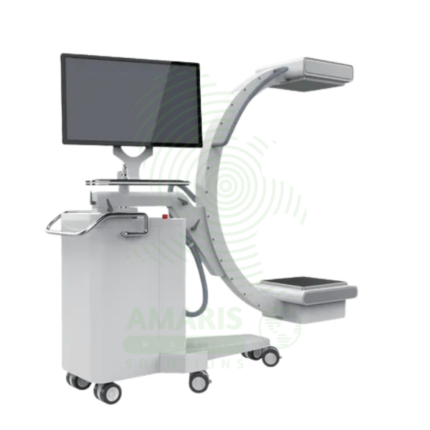
Mobile Film
Mobile Film is a battery-powered, portable X-ray system using traditional film cassettes for bedside imaging in intensive care units, neonatal intensive care units, emergency departments, and operating rooms. The mobile unit enables chest, abdominal, and extremity imaging at the patient's bedside, eliminating the risks associated with transporting critically ill patients. Film cassettes are processed in darkroom or daylight processors for image development. Used in hospitals without digital radiography capabilities or as backup for digital systems.